English version
An APEX application needs more than pages and reports. As it grows, the team also needs a way to review changes, understand dependencies, reproduce releases, and investigate problems.
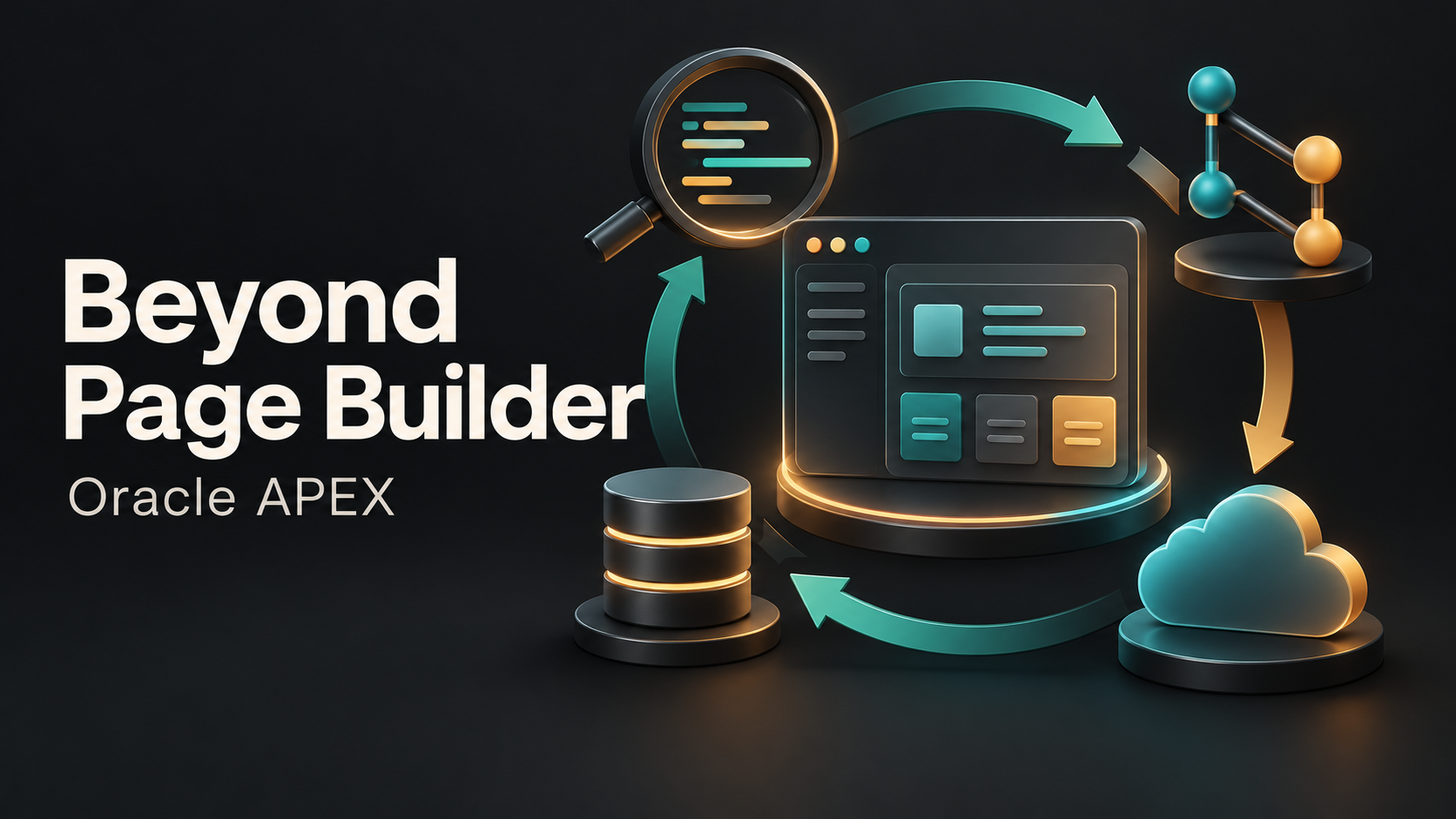
My original LinkedIn post highlighted several complementary parts of that workflow:
- APEX Advisor: a metadata-based review before deployment. Investigate findings rather than treating a clean report as proof that every runtime path is correct.
- APEX Project Eye: a community ecosystem tool from United Codes worth evaluating for application analysis. Confirm the capabilities and licensing of the edition you plan to use.
- Git and application exports: preserve reviewable source changes and release history. Restoring an older application export does not automatically reverse database data changes.
- Oracle Visual Builder: a separate application-development option to consider when the requirements call for it, rather than a mandatory addition to every APEX project.
Put the workflow before the tool list
For a small team, a repeatable export, a meaningful code review, a tested deployment process, and basic monitoring can be a strong foundation. Add tools when they solve a specific gap.
The practical question is: can we explain what changed, why it changed, how it was tested, and how to recover the application if the release fails?
Credit to United Codes and the APEX community for the tools and ideas highlighted in my original post. This article is a personal workflow perspective, not a vendor comparison or endorsement of unverified product capabilities.