English version
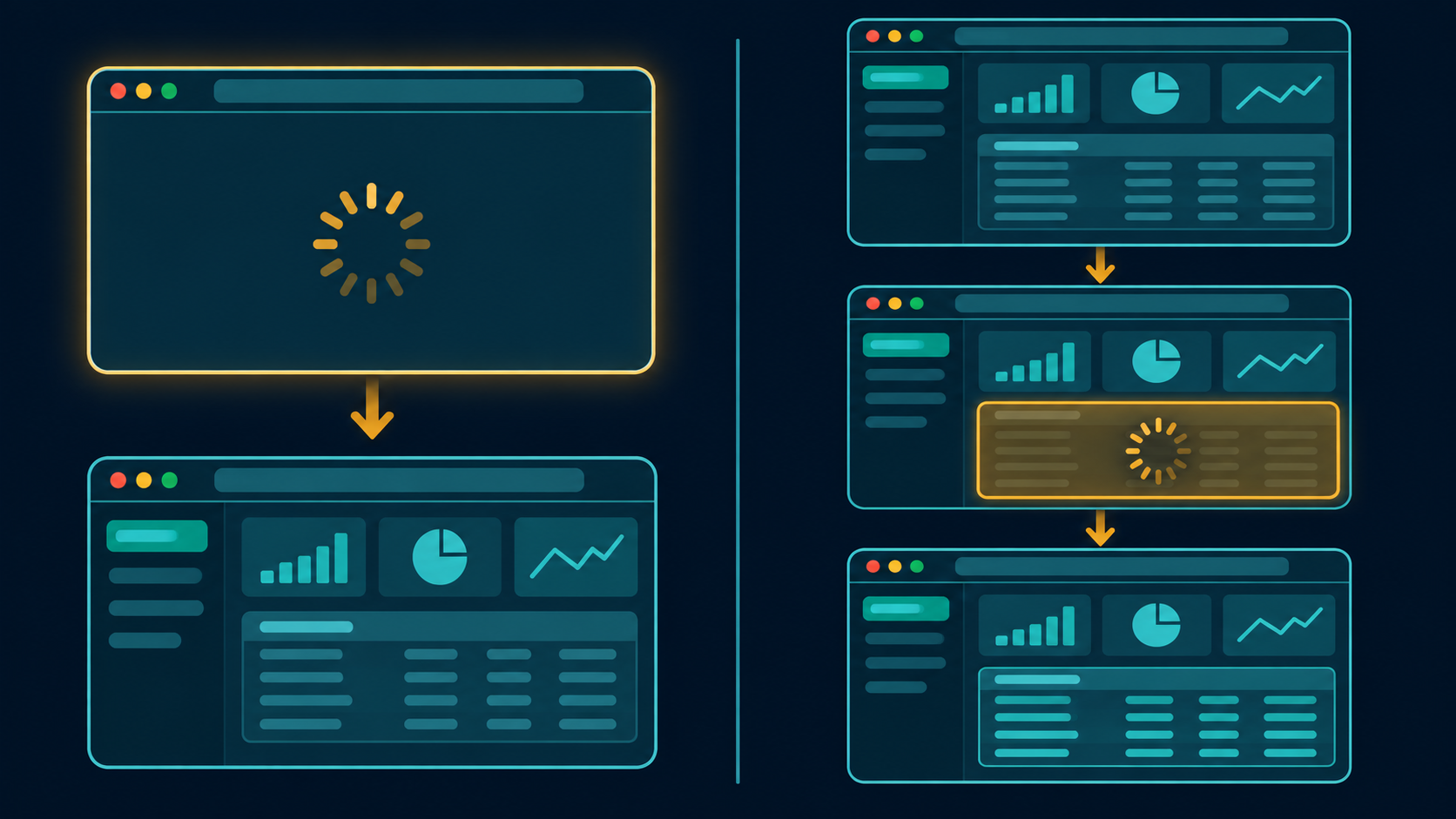
A report can be visible while a Dynamic Action is still waiting for the event it was configured to handle. Start debugging by identifying what should trigger the action: the initial page load, a refresh of a specific component, or the completion of an Ajax request.
Separate the server and browser timelines
During rendering, APEX builds the response using server-side processes, conditions, and region queries. In the browser, a Page Load Dynamic Action fires when the DOM is ready. If a task depends on APEX components that delay initialization, consult the documented apexreadyend event. A region refresh is a separate operation. After Refresh applies to components that emit the refresh event.
Example: count visible rows after a report refresh
In a development application, give a Classic Report the Static ID orders_report. Add a static element with ID orders_row_count outside the report. Define the following function in the page’s JavaScript declarations. Adjust the row selector for your report template.
function updateVisibleOrderCount() {
  const report = document.getElementById("orders_report");
  const label = document.getElementById("orders_row_count");
  if (report && label) {
    const count = report.querySelectorAll("tbody tr").length;
    label.textContent = String(count);
  }
}
Call updateVisibleOrderCount(); from a Page Load Dynamic Action for the initial display. Call it again from an After Refresh Dynamic Action targeting the Classic Report for subsequent refreshes. This example counts rendered table rows, including any template rows that match the selector. Use a server-side count if the requirement is the total across all report pages.
Diagnose with two traces
Enable APEX Debug and inspect the server-side render or Ajax request. Then use browser developer tools to check whether the event fired, whether the selector matched, and whether an Ajax action returned an error. For a slow report, measure the region query and network request before changing the event configuration.
Sources: Oracle Dynamic Actions guide and Oracle APEX JavaScript events.