English version
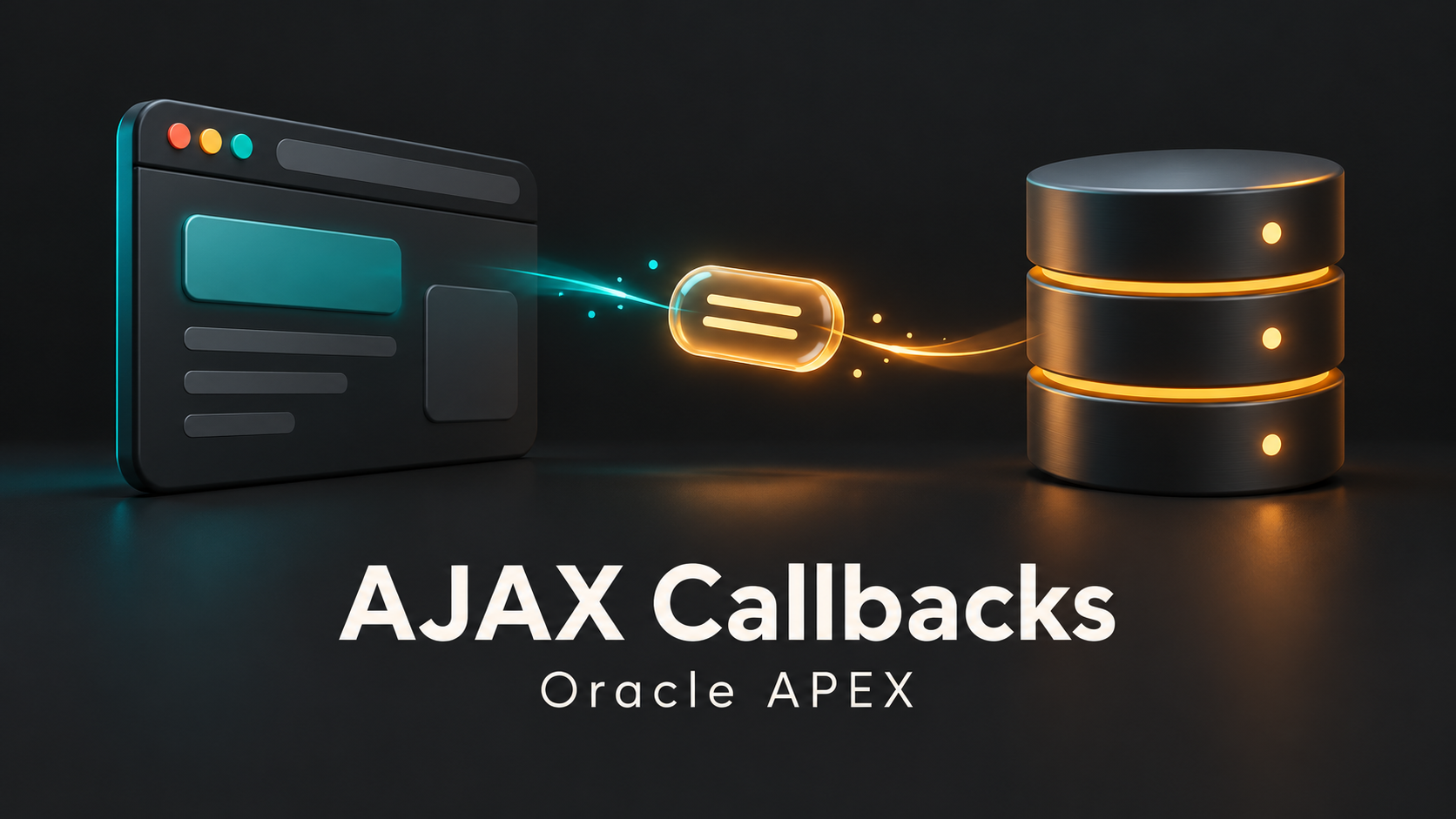
An Ajax Callback is useful when a page needs a specific server result without a full submit—for example, retrieving an order total after the user changes the selected order.
Define the contract
The browser sends an order identifier. The callback validates it, checks access to that order, calculates the result, and returns JSON. The browser then updates the relevant part of the page.
apex.server.process(
  'GET_ORDER_TOTAL',
  { x01: apex.item('P15_ORDER_ID').getValue() },
  { dataType: 'json' }
).done(function (data) {
  apex.item('P15_TOTAL').setValue(data.total);
}).fail(function () {
  apex.message.alert('Unable to load the total. Please try again.');
});
This illustrative client example assumes the named callback and items exist. The callback must produce a matching JSON response. Use APEX_JSON rather than assembling JSON through string concatenation.
Keep authorization on the server
An identifier in x01 is untrusted input. A hidden item or disabled control does not prove that the caller can access the record. Check both the operation and the requested row.
If the user can change the selection rapidly, handle stale responses so an earlier request cannot overwrite a newer selection. Show loading and failure states.
The callback runs when your JavaScript or Dynamic Action invokes it. It is not automatically a stage in every page render. Ajax also does not automatically run all the validations and processes of a normal page submit.
Reference: Oracle Dynamic Actions and framework events.