English version
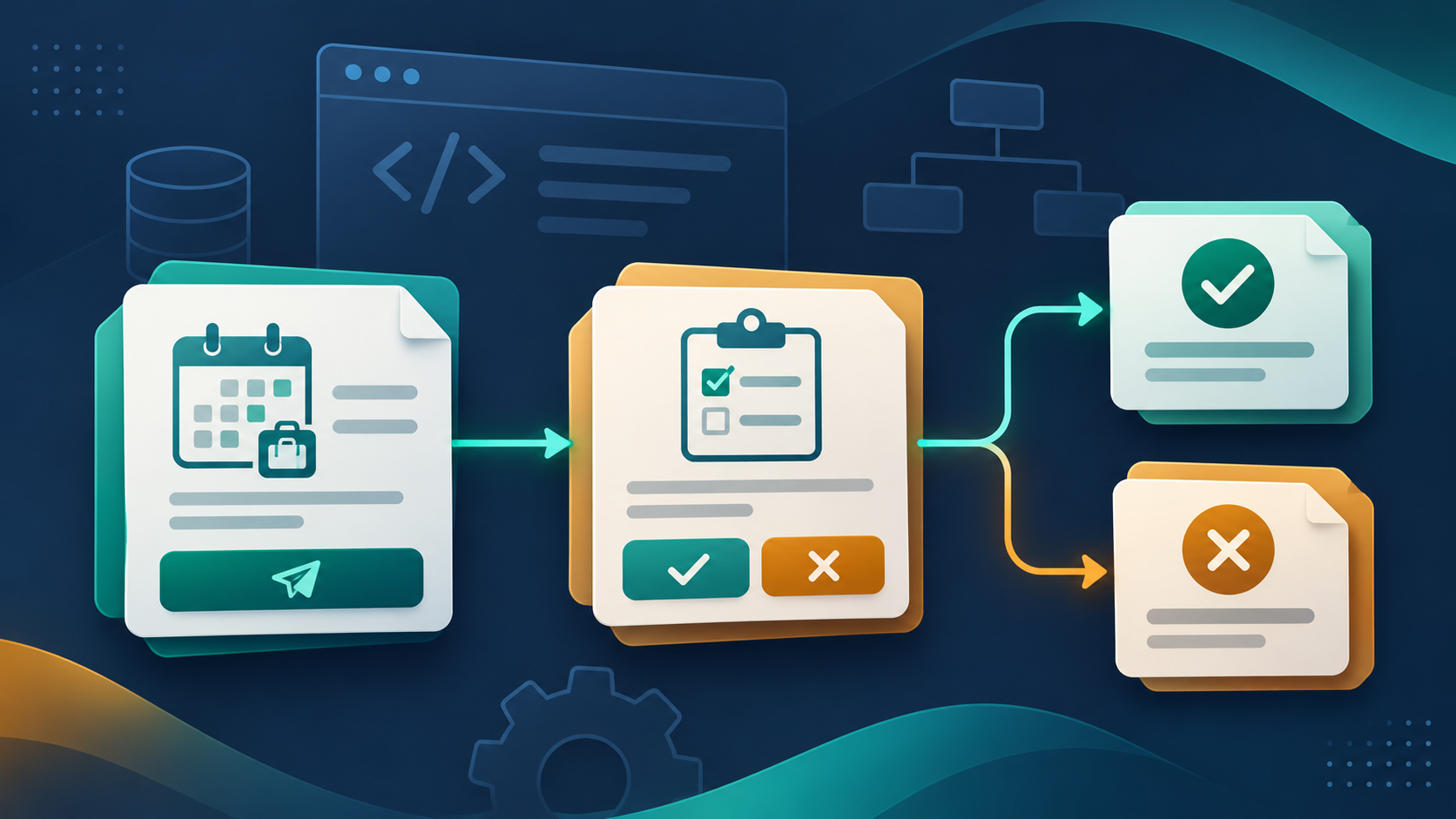
My original LinkedIn post used a leave request to explain approval tasks in Oracle APEX. A useful starting point is to separate three things: the request record, the human decision, and the process that connects several steps.
A Task Definition describes a reusable human task. Each submitted request can create its own task instance. A broader workflow can coordinate additional activities; a single approval does not require you to design a whole workflow first.
Define the decision and its participants
In Shared Components, open Task Definitions under Workflows and Automations. For a development example, create an Approval Task with static ID LEAVE_APPROVAL. An Action Task suits work that needs completion without an approval outcome. Configure a task details page so the decision maker can inspect the request. Oracle creation guide
Choose participants deliberately. Potential owners can claim work; an actual owner handles the assigned task. Business administrators have separate management responsibilities. Resolve the appropriate manager from application rules rather than embedding a person's username throughout your pages. APEX supports dynamic user participants and authorization schemes. Task Definition concepts
Create one task for one request
The declarative route is a Human Task - Create page process. Select the definition, map the Details Primary Key Item to the saved request ID, and capture the returned task ID in a page item. Sequence it after successful validation and saving of the request. Page-process configuration
For a PL/SQL integration, this illustrates the equivalent API call within an authenticated APEX page process. It assumes the definition, participants, and page items already exist, with no required task parameters:
begin
    :P10_TASK_ID := apex_human_task.create_task(
        p_task_def_static_id     => 'LEAVE_APPROVAL',
        p_subject                => 'Leave request ' || :P10_REQUEST_ID,
        p_initiator              => :APP_USER,
        p_initiator_can_complete => false,
        p_detail_pk              => :P10_REQUEST_ID
    );
end;
The function returns the task ID. Initial assignment depends on the potential owners: one owner gives an Assigned task; several give an Unassigned task that can be claimed. No potential owner raises an error. CREATE_TASK API
Keep the business outcome consistent
Retain the link between the business request and task ID. Before creating a task, check on the server that the user may submit that request and that another submission has not already created its task. Make duplicate prevention part of the transaction design.
Explicitly implement the approval outcome in your business layer: completing a task alone does not define every update your leave system needs. Configure notifications and exception handling, and test with distinct requester, manager, and unrelated-user accounts. Cover rejection, duplicate submission, missing approvers, and failed business updates. Keep task state and business-request status separate in your design and reconcile failures visibly.